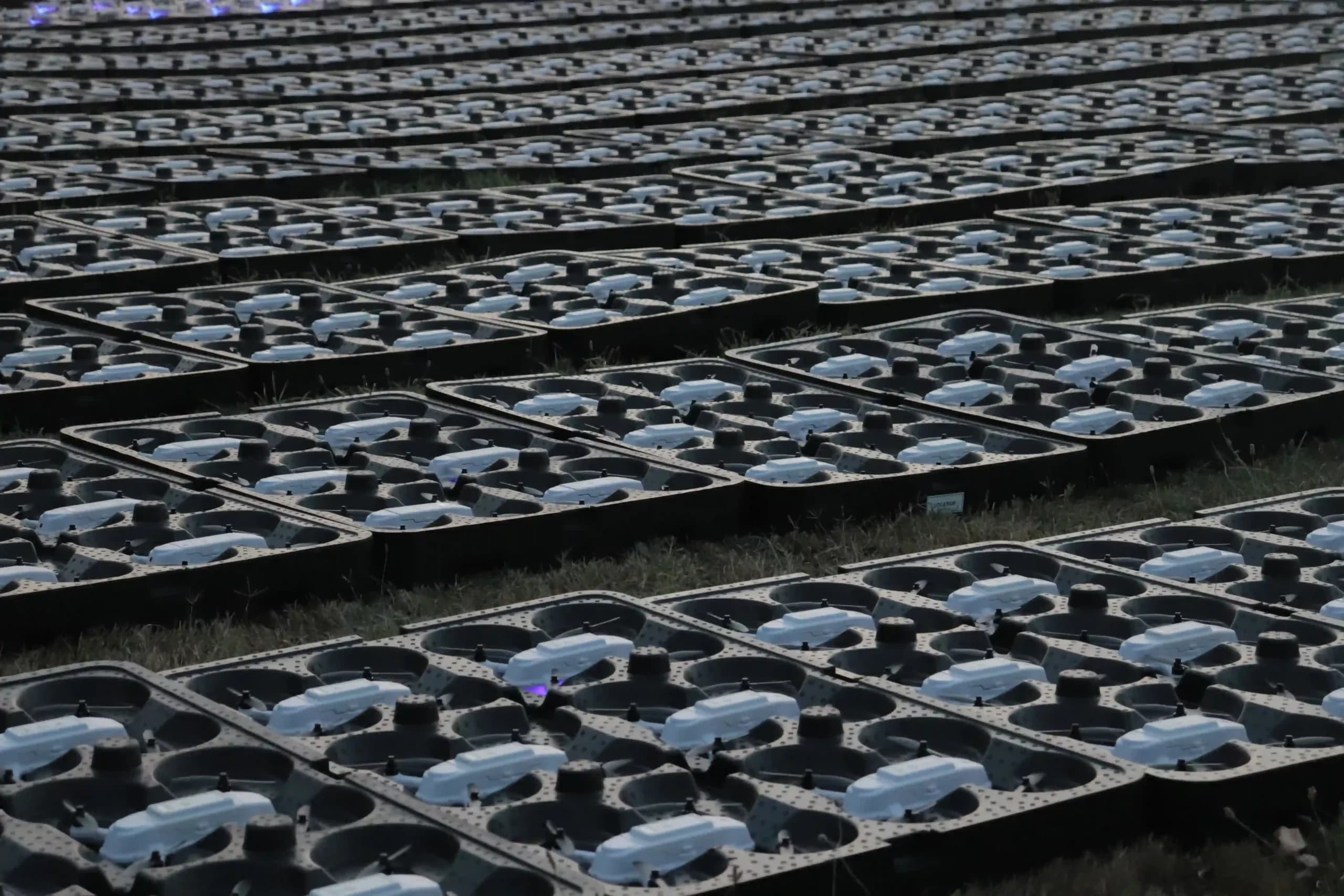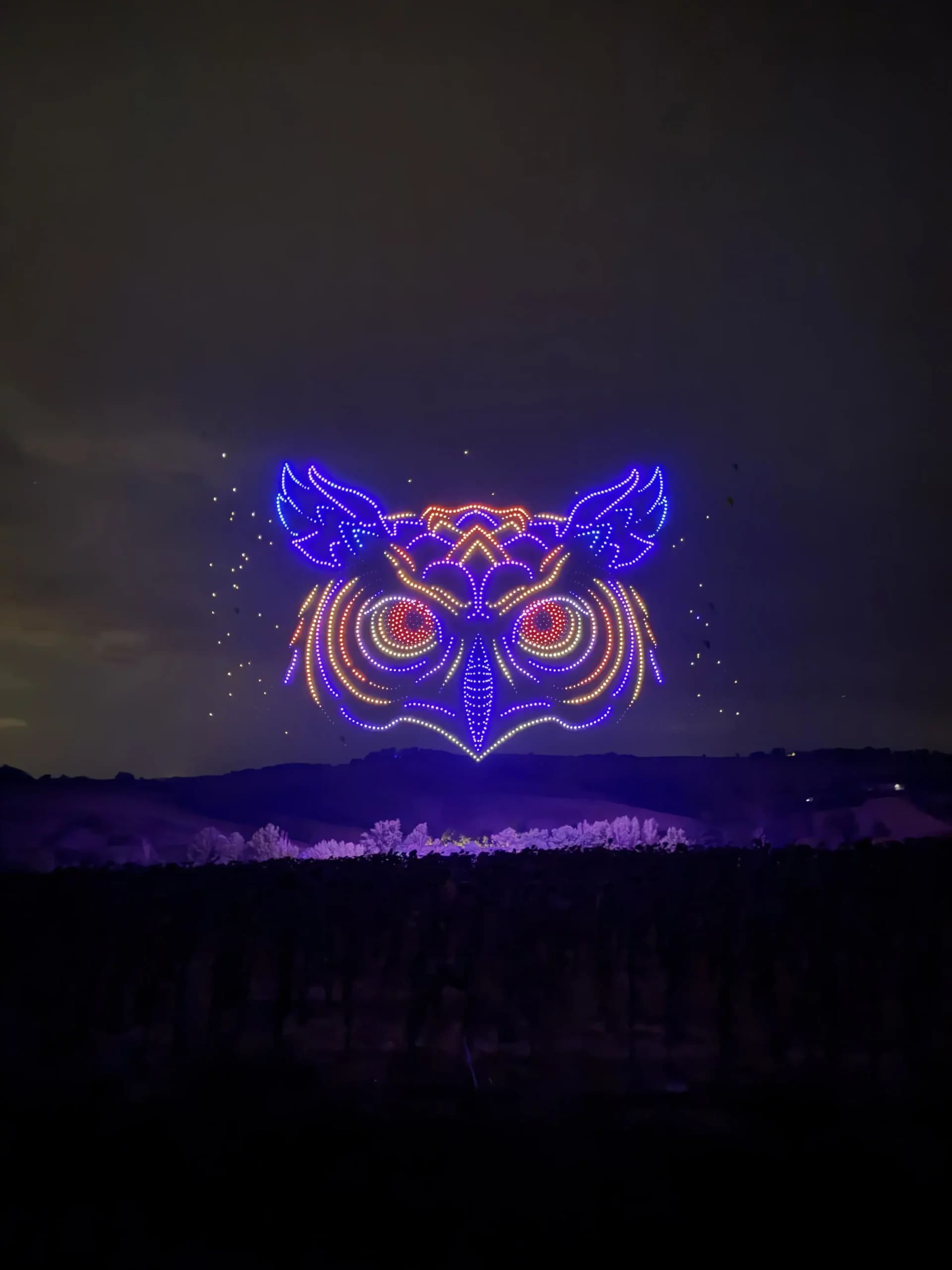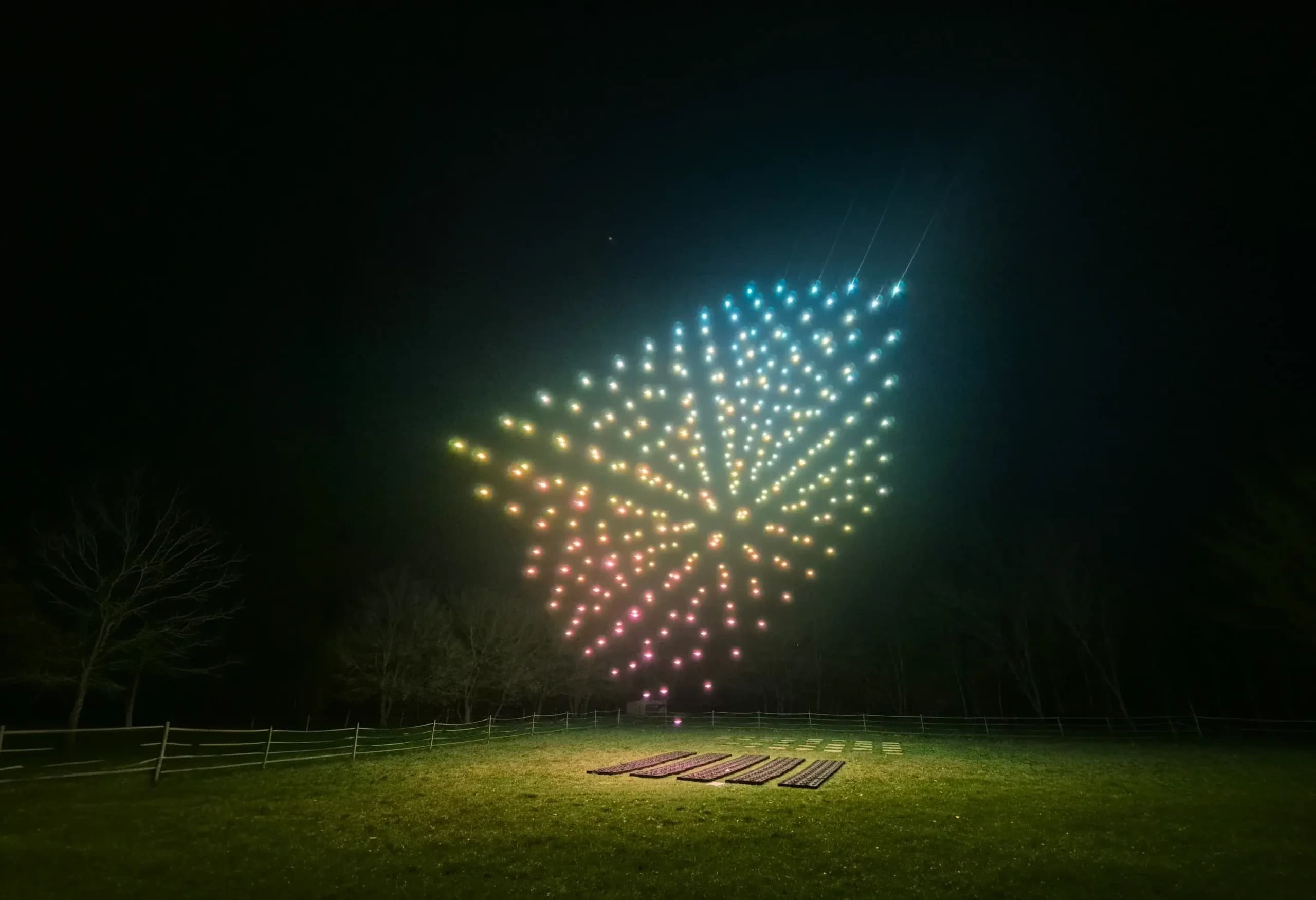
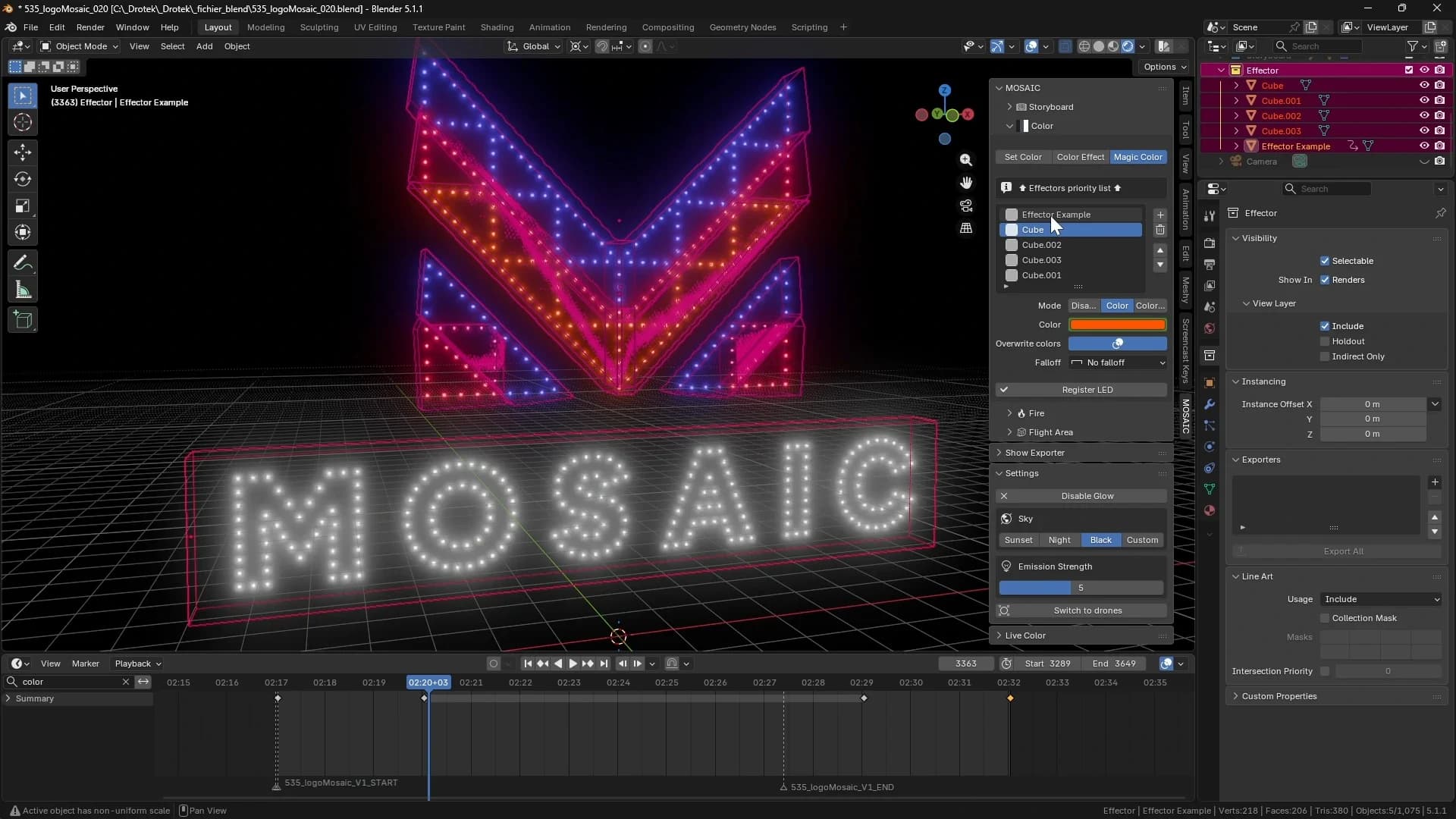

Producing a professional drone show requires much more than a synchronized fleet. Behind every successful performance is a combination of creativity, technology, and precision, where design, animation, flight planning, and safety must work together seamlessly.
As drone light shows continue to grow in popularity across the entertainment industry, operators require reliable software that allows them to transform creative ideas into real aerial experiences. A dedicated drone show software provides the foundation to draft complex formations, manage paths, and prepare missions before the drones take off.
Developed by Drotek, Mosaic is a new tool built for operators who want to create, edit, and validate synchronized drone light shows. Integrated into a comprehensive process, it helps teams move from the first concept to the final realization with greater control, efficiency, and confidence.
Why Professional Drone Show Design Software Matters
From Creative Vision to Flight Mission
Every illuminated show starts with a creative idea. A logo, a story, a visual effect, or a unique concept must then be transformed into a precise aerial performance.
This process requires more than traditional 3D tools. Professional operators need dedicated drone show software to make formations, animations, prepare flight paths, and transform creative concepts into executable missions.
When hundreds or thousands of drones are involved, every movement, color change, and transition must be carefully planned. A dedicated design software helps operators visualize their ideas, refine their material, and prepare a solid operation.
Meet Mosaic: Drotek's Drone Show Design Software

A Blender Add-On Built for Drone Shows
Mosaic is Drotek’s new drone show software developed to create, edit, and validate synchronized light shows.
Built as a Blender add-on, it combines a 3D creation device with features dedicated to show production. Drotek's partners can draft formations, make animations, and prepare content that can be transformed into real missions.
By connecting creative shapes with operational requirements, Mosaic helps bridge the gap between an artistic concept and its execution in the sky.
Developed for Professional Operators
Mosaic was developed for drone show professionals who need a reliable environment to prepare complex aerial performances.
From small projects to large-scale drone light shows, the software provides tools to manage the different stages of production while keeping design flexibility and operational constraints in mind.
Creating Drone Shows with Mosaic
Creation Mode: Building Drone Formations and Animations
The first step in doing a drone light show is transforming an idea into a visual experience. Mosaic’s Creation Mode provides the tools needed to craft drone formations, make animations, and prepare the visual elements of a show.
From simple shapes to complex 3D objects, creators can build content directly inside Blender and adapt it to the requirements of a drone performance. This approach gives designers the flexibility to explore creative concepts while keeping the technical constraints of drone flights in mind.
Creating 3D Formations with Mesh Creator
The Mesh Creator section helps users generate formations that can be transformed into drone positions.
With features such as Mesh Picture, Mesh Text, Mesh Converter, and Follow Path, operators can build different types of formations from images, text, 3D models, or predefined trajectories.
These features allow teams to develop recognizable visuals, such as logos or symbols, while controlling how drones move and interact during the show.
Designing Dynamic Lighting Effects
Beyond movement, lighting plays a key role in the impact of a drone show. Mosaic contains dedicated tools to manage LED effects and synchronize colors with animations.
Designers can apply precise color settings with Set Color, add predefined effects through Color Effect, or make more dynamic visual transitions with Magic Color.
By combining 3D design, animation, and lighting control, creators can develop more immersive drone light shows while maintaining a clear view of the final result.

Exporting Creative Assets
Once the creative elements are ready, Mosaic allows users to export their work while preserving the configured visual data.
The export feature guarantees that crafted assets can continue through the next stages of the workflow, from show composition to mission preparation and final execution.
Composing and Structuring the Drone Show
Composer Mode: Turning Animations into a Complete Show
After crafting the visual elements of a light show, the next step is to organize them into a full performance. Mosaic’s Composer Mode allows operators to structure animations, manage timing, and prepare the different stages of the show.
This stage connects creative content with operational application. Instead of working with isolated animations, users can build an entire sequence that includes takeoff, transitions, landing, and other elements required for a professional light show.
Creating the Show Timeline with Storyboard
The Storyboard provides a clear overview of the entire show timeline. It allows users to import animated 3D assets and organize each sequence according to its position in the performance.
Operators can define key moments such as ground setup, takeoff, transitions, and landing. This helps teams visualize the entire show flow and confirm that every animation is correctly positioned in time.
By structuring the performance before take off, creators can review the assignment, adjust timing, and prepare a smoother experience.
Synchronizing Pyrotechnics with Drone Choreography
For shows combining drones and pyrotechnics, precise synchronization is essential. Mosaic includes tools to manage the timing of pyrotechnic effects directly within the choreography.
The Fire feature allows operators to configure when pyrotechnic charges are activated for each drone and define the duration of each trigger. This makes it possible to coordinate aerial animations with additional effects and produce more immersive performances.
Defining the Flight Zone
Before a drone show can be executed, operators need to define the environment in which the drones will operate. Mosaic includes flight zone management tools to help prepare this operational aspect.
By importing KML files, users can define the designated area and integrate location-specific constraints into their project.
This step helps ensure that the final mission is adapted to the real-world conditions of the event location before the drones take off.

Validating and Optimizing Drone Shows Before Flight
Show Exporter: Ensuring a Safe and Reliable Mission
Before a light show can be performed, every element must be checked and optimized. Mosaic’s Show Exporter provides the final validation stage, helping operators prepare a reliable mission before sending it to the drone system.
This step ensures that animations, flight paths, and operational parameters are ready for execution. By reviewing the show before the actual operation, teams can identify potential issues and improve the overall reliability of the performance.
Collision Detection and Safety Checks
Safety is a key requirement for any professional drone show. When hundreds of drones operate simultaneously, maintaining the correct distance is essential.
Mosaic includes verification devices developed to analyze drone positions and detect potential proximity issues. These checks help operators ensure that safety distances are respected.
By identifying possible conflicts before the show, teams can adjust paths and improve the reliability of the final execution.

Monitoring Speed and Acceleration
Drone movements must also respect operational limits to ensure smooth and predictable flights.
Mosaic allows users to analyze speed and acceleration parameters during specific parts of the mission. This helps operators identify movements that may require optimization and ensure that the operation remains within defined constraints.
By combining validation tools with creative freedom, Mosaic helps transform a designed animation into a complete and ready-to-execute light show.
Mosaic Within the Drotek Drone Show Ecosystem
From Creation to Field with IO Star 3
Mosaic is part of Drotek's drone show ecosystem, planned to connect creative design with real-world execution.
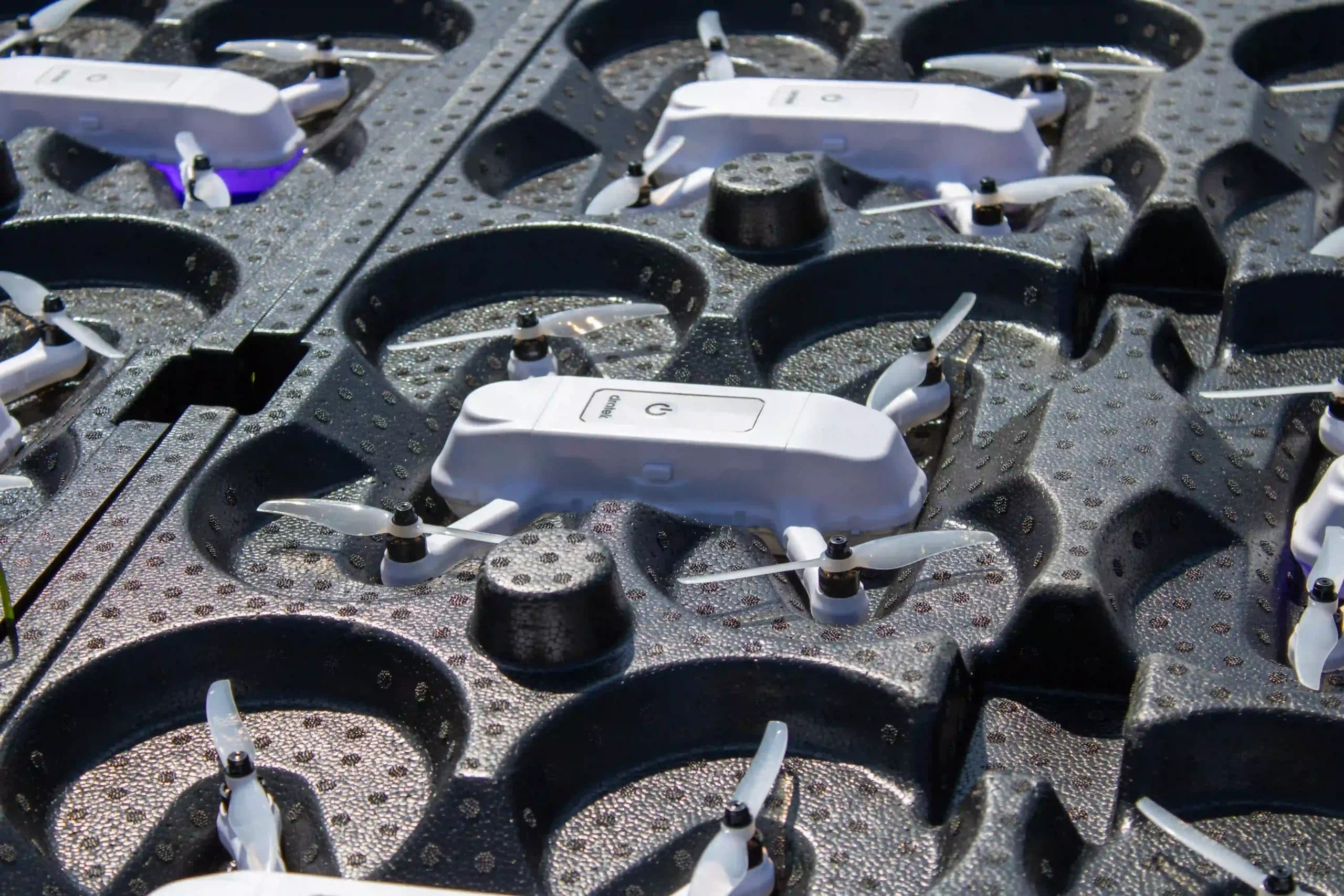
After a show has been finished and validated, the mission can be performed by Drotek’s IO Star 3 drone. This connection between software and hardware allows operators to move from a digital concept to a synchronized aerial performance.
By combining Mosaic with a professional drone operation software, teams can maintain consistency between the design process and the final process.
Seamless Integration with GCS
A successful drone show requires more than animation. Once the content is ready, operators need reliable software to manage the fleet and execute the mission.
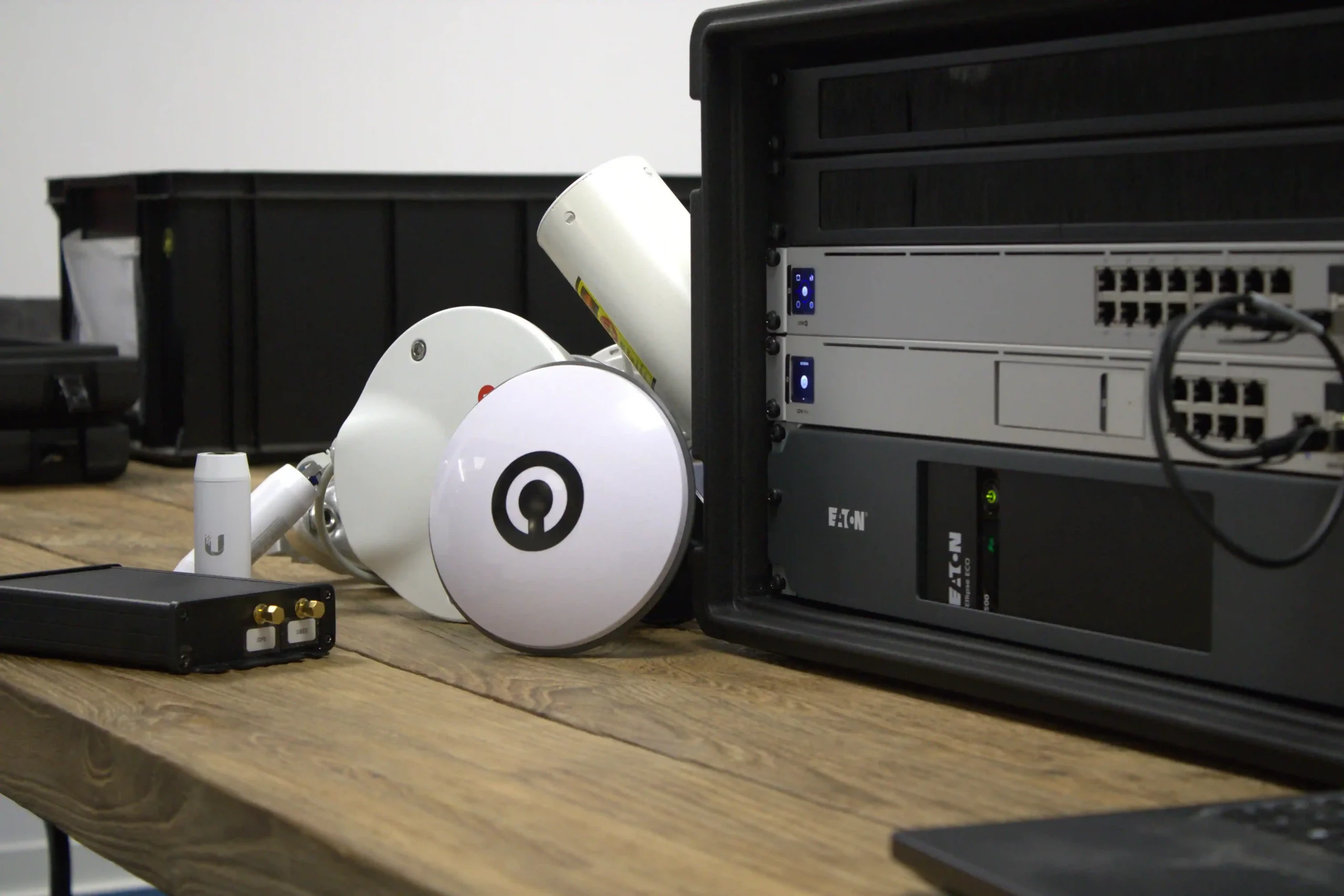
Mosaic works in conjunction with Drotek’s Ground Control Station (GCS), providing a comprehensive process from show preparation to flight management. The show can then be transferred into an operational environment where teams can monitor and control the drone fleet.
This integration helps simplify the transition between creative development and live execution.
Beyond Software: Drotek Services to Support Your Projects
Mosaic is part of the Drotek ecosystem, developed to provide more than just a software solution. To help operators make professional drone shows, Drotek offers services that support every stage of a project.
With "Drotek Training", Drotek's partner can learn how to master Mosaic, understand its features, and develop the skills needed to do their own drone show content. For teams looking for creative assistance, "Drotek Design" provides access to Drotek’s artists, who can help create, adapt, or optimize drone show animations.
By combining software, expertise, and support, Drotek helps operators turn creative ideas into reliable drone light show experiences.